AC F1 Error Code: Check the Brand Before Booking a Repair
An F1 display does not mean the same thing on every AC. Learn what to record, which checks are safe and how to request the right diagnosis in the UAE.
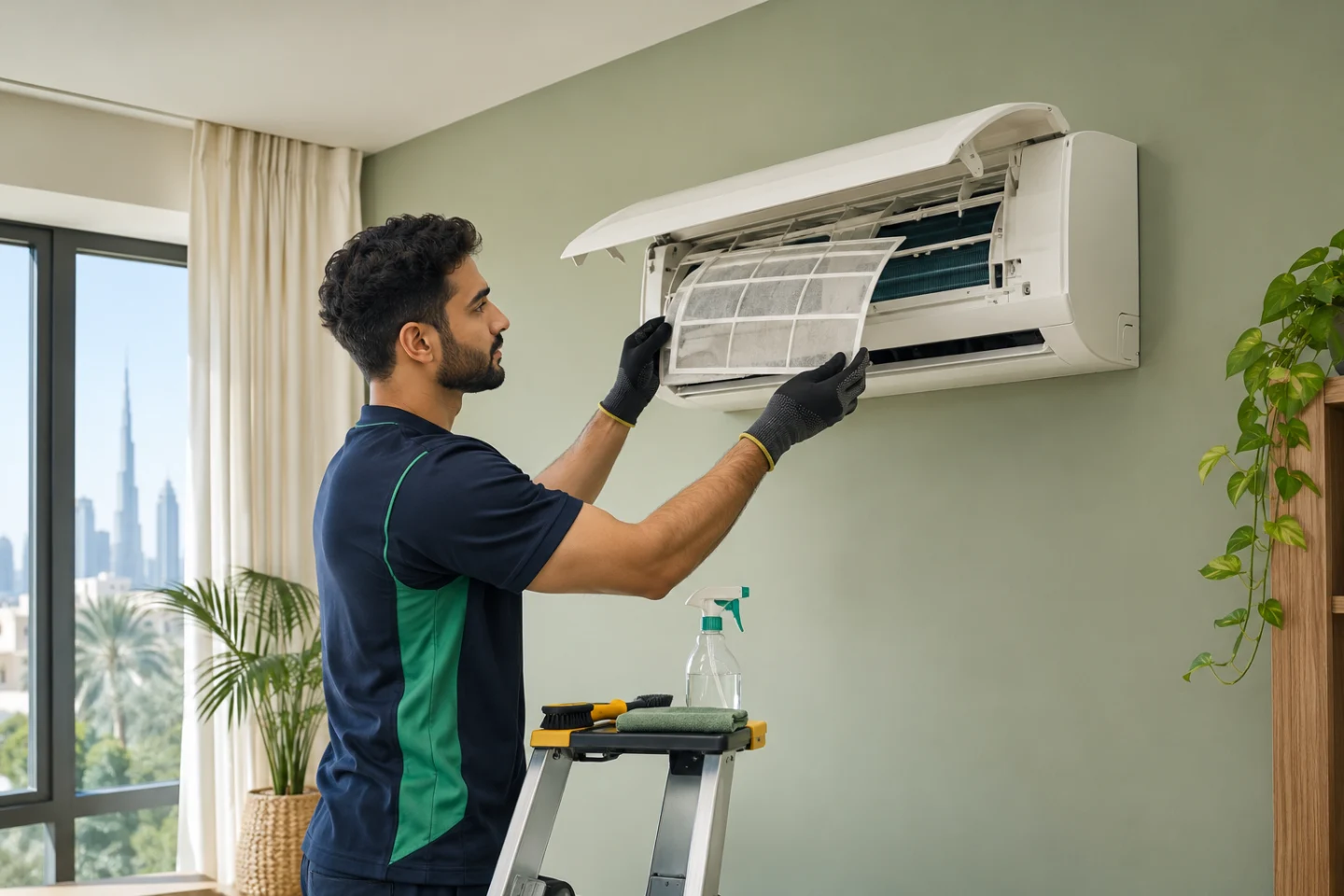
Image for illustration. Check the agreed service scope and expected results.
In this guide
An F1 message appears on your AC display and a search produces several confident answers. One page says a sensor has failed; another recommends a circuit board. Neither answer is enough to authorise a repair without the exact brand and model.
For a home in Dubai or elsewhere in the UAE, the useful first step is to identify the equipment and describe what it is doing. This guide helps you prepare a clear service request without turning an ambiguous display message into an unnecessary parts purchase.
Does F1 always mean an AC fault?
No. Error and status displays are model dependent. LG’s UAE support guidance explicitly notes that its error codes vary by model. In a separate support article, LG describes F1, F3 and F5 as fan-speed indicators on the wall-mounted units covered by that guidance. That example is a reason to check your manual, not a diagnosis for a different LG unit or another manufacturer.
Find the model in the user manual, purchase paperwork or an accessible exterior label. Do not remove a cover, stand on furniture or climb outside to reach a label. If you cannot find it safely, send the provider a photograph of the complete indoor unit and its display.
Record these details before changing settings
- The exact characters displayed, including a CH, E or F prefix and any flashing lights.
- Whether the message is on the indoor unit, wall controller or remote.
- Whether it appears briefly after a normal control change or stays on continuously.
- Whether cooling stops, airflow changes, water leaks or unusual noise occurs.
- When the issue started and whether another room has the same problem.
A short video can show a repeating sequence more clearly than a still photograph. Keep people, access cards and personal documents out of the frame. For a multi-unit home, label the affected room so the technician does not inspect the wrong system.
Safe checks versus work for a technician
Read the operating instructions for that model and check the selected mode using its normal controls. If the manual identifies the display as a normal status indicator and operation is normal, a repair may not be required. If it identifies a fault, follow the manufacturer’s instructions for arranging service.
Do not repeatedly reset the system, open electrical compartments or buy a sensor based only on a search result. Stop using the unit if there is smoke, a burning smell, electrical tripping or water near electrics. Keep clear and contact building management or qualified help; do not wait for marketplace offers in an emergency.
If the main symptom is warm air, also read the guide to AC not cooling in Dubai. A symptom description and a display code are complementary information, rather than interchangeable diagnoses.
Book diagnosis before agreeing to replacement parts
Ask what the initial visit covers: identifying the system, checking the relevant fault history and providing findings and a proposed remedy. Ask whether the inspection charge is separate from repair labour, whether parts are included and whether another visit may be needed.
For example, an offer that says “AC diagnosis” should not be treated as approval to replace a board. Request the identified part, reason for replacement, total additional price and any applicable workmanship or parts terms before approving further work. Keep that approval with the booking conversation.
A clear request you can adapt
My bedroom AC displays F1 continuously and is not cooling. The brand is [brand] and the model is [model, if safely available]. It started [when]. Photos show the display and indoor unit. Please quote for diagnosis, explain what the visit includes and obtain approval before any parts or additional work.
Include your neighbourhood and preferred appointment window. Mention access restrictions or a building permit requirement, but keep apartment numbers and entrance instructions within the private booking flow.
Common questions
Can a technician quote the final repair from a photo?
A photo can help identify the system and scope a visit. It does not establish the condition of an internal component. Ask whether an offer is for inspection or a confirmed repair.
Is an F1 code covered by an AC cleaning service?
Do not assume it is. Cleaning and fault diagnosis have different scopes. Read the listing and describe the code before choosing an appointment.
Can I request an appointment on ProAider?
Browse AC service listings or post the details to request offers from matching providers. Check coverage and wait for provider confirmation before treating a visit as booked. For routine care after the fault is resolved, use the AC maintenance checklist.